How to send bulk WhatsApp messages without getting banned (2026): the official way, daily limits and the cost in rupees
Why bulk sender apps get numbers banned, the official route step by step, Meta's daily limits from 250 to 10,000 and beyond, what 1,000 or 10,000 messages cost in India, and how to keep the number healthy.
Rates and limits verified against Meta's published pricing on 20 October 2026 · Meta's page
Getting and keeping leads17 of 19 in this topic
To send bulk WhatsApp messages without getting banned, send them through the official WhatsApp Business API, only to people who agreed to hear from you, using a template Meta has approved. "Bulk sender" apps and Chrome extensions that drive WhatsApp Web break WhatsApp's terms, and they are the most common reason business numbers get blocked. On the API a new business starts at 250 people a day and can reach 10,000 a day within a couple of weeks; each offer costs ₹0.8631 plus GST in India.
On this page
Why bulk sender tools get numbers banned
WhatsApp's own terms forbid bulk messaging, auto-messaging and unofficial apps on the ordinary and Business apps. A tool that pastes your list into WhatsApp Web, or a modified app that sends for you, is exactly that. WhatsApp detects it, first restricts the number (it can still reply, but cannot start new chats), then bans it if it carries on. The number, its chats and its contacts go with it.
The Business app's own broadcast list is safe but small: up to 256 people a list, and only people who have saved your number receive it. For more than that, the official route is the WhatsApp Business API.
The official route, step by step
- Put your number on the WhatsApp Business API through a provider. It is your number, in your own Meta account.
- Verify your business with Meta. After a check of your message quality, this is what lifts your daily limit from 250 to 2,000.
- Collect opt-ins. Meta's rule is that you may message only people who gave you their number and agreed to receive messages from you. The opt-in can be on your website, a form, a bill or WhatsApp itself; record when and where each person agreed.
- Get a template approved. Every message you start outside a customer's 24-hour window is a template. An offer is a marketing template; Meta usually decides within 24 hours. Why templates get rejected.
- Send in batches your limit allows, and stop messaging anyone who replies STOP.
How many messages you can send a day
Meta counts how many different people you message first in a rolling 24 hours. Since October 2025 the limit belongs to your whole business, shared by all its numbers, and it climbs in steps:
| Limit (people a day) | How you get there |
|---|---|
| 250 | Where every new business starts |
| 2,000 | Verify your business with Meta, or send 2,000 messages from high-quality templates within 30 days; Meta then reviews your message quality |
| 10,000 | Automatic, within six hours, once you use at least half your limit over seven days with good quality |
| 100,000 | The same rule again |
| Unlimited | The same rule again |
A realistic path to 10,000 a day
Week 1: verify the business (Meta usually takes a few working days) and you can message 2,000 people a day. Week 2: send to 1,000 or more people a day from a clean, opted-in list, and Meta raises you to 10,000. Replies to customers who wrote to you never count against the limit.
What it costs
Meta charges per delivered message and bills your own account. In India a marketing template (an offer) is ₹0.8631 and a utility template (an order update, a reminder) is ₹0.115, plus 18% GST.
| Send | Offers (marketing) | Updates (utility) |
|---|---|---|
| 1,000 people | ₹1,018 | ₹136 |
| 10,000 people | ₹10,185 | ₹1,357 |
| 50,000 people | ₹50,923 | ₹6,785 |
What keeps a number healthy
- Send to people who asked. A bought list, an old exhibition sheet or every contact on your phone gets blocked in the first hour, and blocks are what Meta watches.
- Not too often. Once a week is a ceiling for most businesses; once or twice a month is normal. Meta also caps how many marketing messages one person receives from all businesses, and holds back yours with error 131049 when they've had enough.
- A way out in every message. "Reply STOP to stop these messages", honoured at once.
- The right category. An offer dressed up as an order update gets moved to marketing, and repeated mislabelling gets your utility templates suspended.
- Watch the quality rating in WhatsApp Manager. If it drops, stop and fix the audience before sending more.
In Linkubit
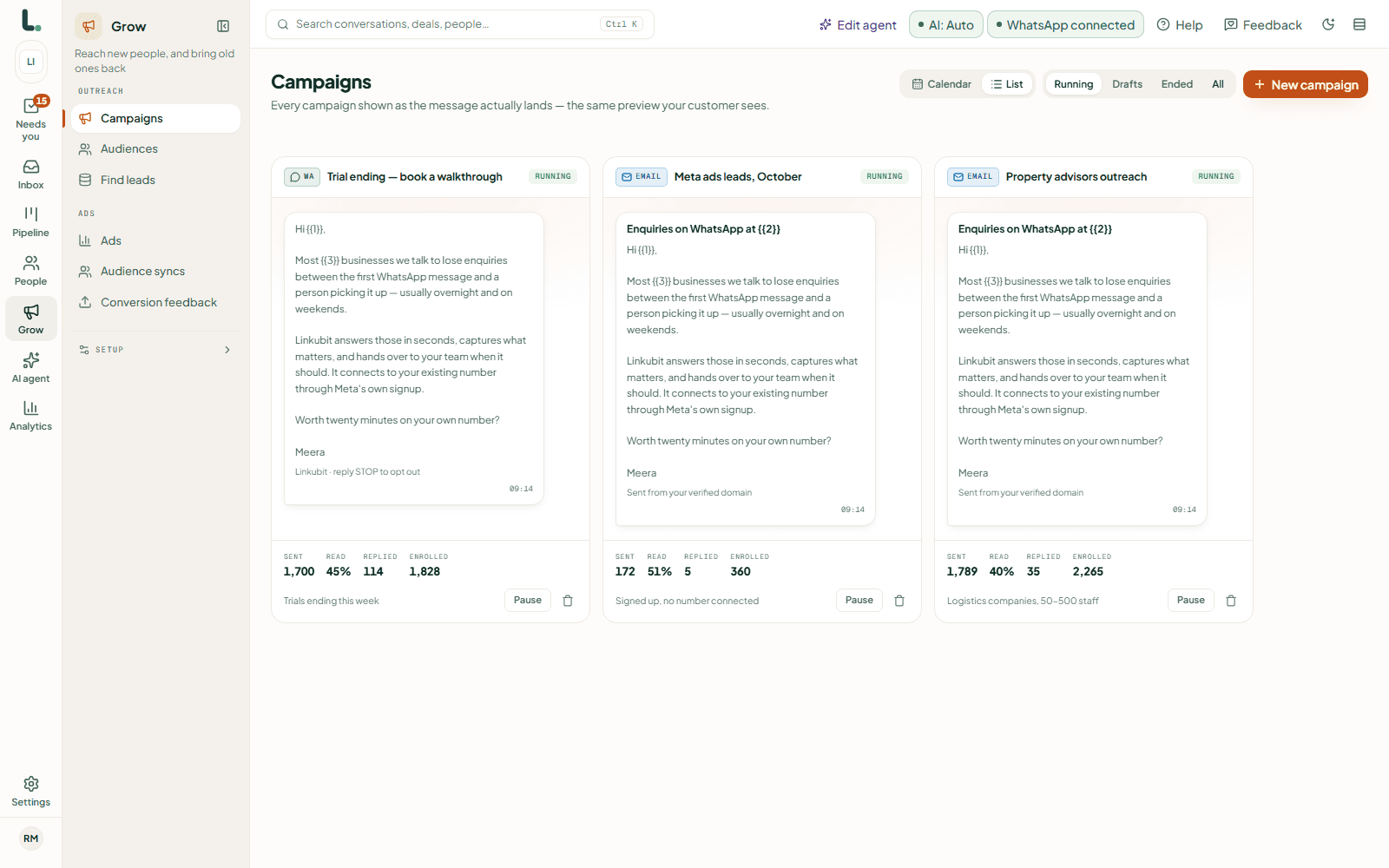
A campaign goes only to contacts who agreed to hear from you, and holds the rest when you reach the day's limit instead of failing. Anyone who replies is taken out of the sequence and answered, and STOP in any language stops every message to that person. You see Meta's charges as you go, at Meta's rate.
For a short list you want to send to by hand, the free bulk link tool turns a spreadsheet into one-tap WhatsApp links, with nothing sent automatically.
How can I send 10,000 messages on WhatsApp?
Through the WhatsApp Business API, with a verified business and an approved template, to people who opted in. A new business starts at 250 people a day, reaches 2,000 after verification and 10,000 once it has used half of that for a week with good quality.
Is there a free WhatsApp bulk message sender?
Not a safe one. Free senders that drive WhatsApp Web break WhatsApp's terms and get numbers banned. The Business app's broadcast list is free for up to 256 people who saved your number; beyond that, Meta charges per message on the API.
Is bulk WhatsApp messaging legal in India?
Yes, to people who agreed to receive your messages, through the official API. Messaging people who never agreed breaks Meta's policy and gets the number restricted. Opt-in and consent rules has the details.
My number got restricted after a broadcast. What now?
Stop sending, check who was on the list, and remove anyone who didn't opt in. A restricted number can still reply to customers. Why WhatsApp Business numbers get banned covers appeals.
Read next
More on Getting and keeping leadsLinkubit vs other toolsWhatsApp templatesCost calculatorPricing
Try it on your own number. Start free, no card, or see the pricing.