WhatsApp chatbot for business in India: what it can do, what it cannot, the three kinds sold under one name, and what it costs
Replies to anyone who messages first, templates to people who opted in, nothing to anyone else. A keyword flow, an AI assistant and an AI sales agent compared, Meta's per-message prices, and six steps to set one up without regretting it.
Selling with an AI10 of 10 in this topic
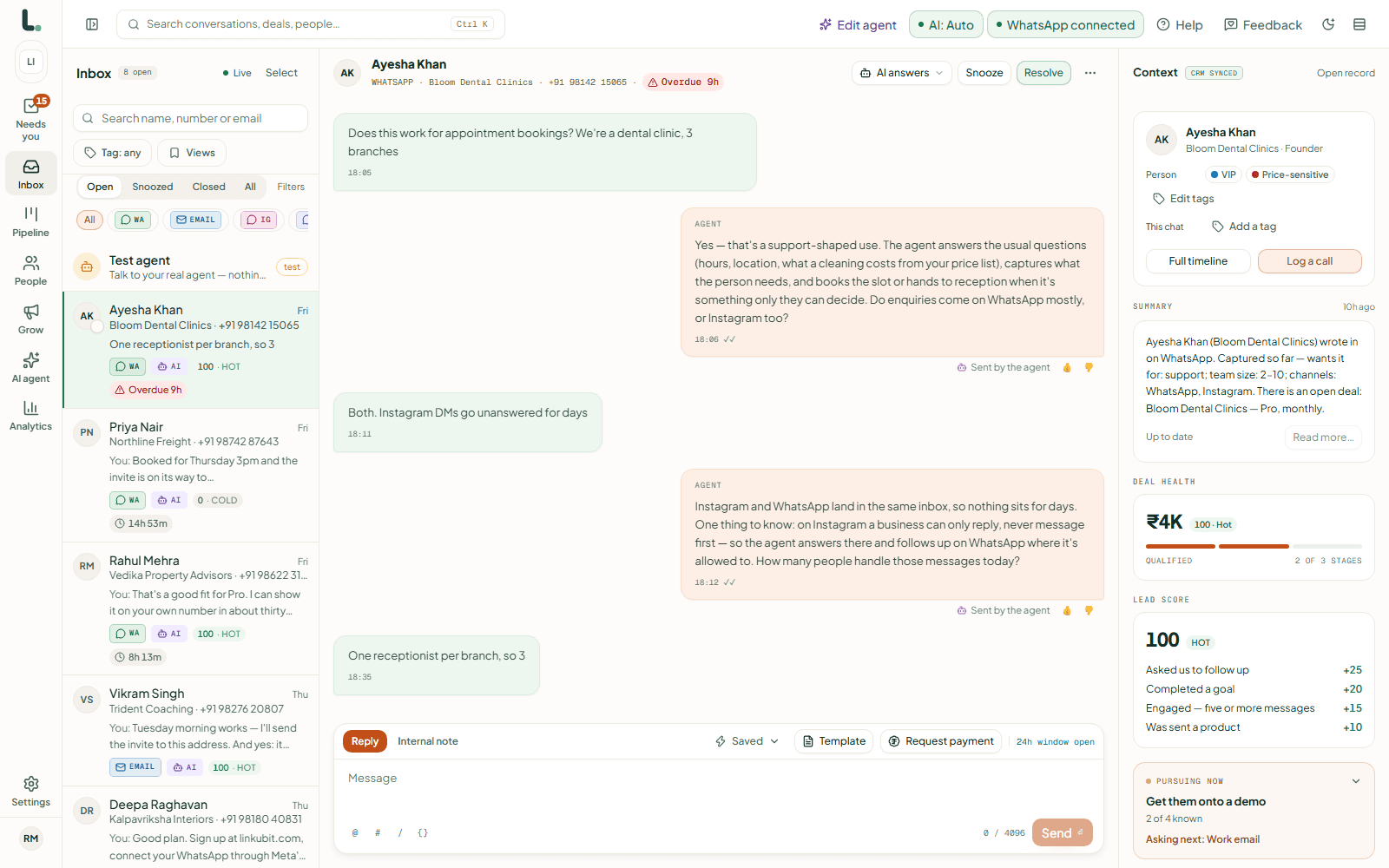
A WhatsApp chatbot for business answers your customers on WhatsApp automatically, at any hour. In India it runs on the WhatsApp Business API (the free phone app can't connect to one), it can reply to anyone who messages you, and it can message first only people who agreed to hear from you, using templates Meta has approved. Meta charges per message: ₹0.8631 for an offer and ₹0.115 for an update, plus GST.
On this page
What a WhatsApp chatbot can do
- Answer anyone who messages first, for 24 hours after their last message, with text, photos, product cards, buttons or a payment request. These replies were free until 1 October 2026; since then the first 1,000 a month on each number are free and Meta charges ₹0.115 for each one after that.
- Send approved templates after those 24 hours, such as a reminder, a receipt, a quote or an offer, to people who opted in.
- Ask questions and remember the answers, so a customer never has to repeat themselves.
- Hand the chat to a person when the customer asks, or when your rules say so.
- Take a UPI payment inside the chat.
What it can't do
- Message people who never agreed to hear from you. A bought list, a scraped list or last year's exhibition sheet breaks Meta's policy and India's data protection law, and the blocks that follow will restrict your number.
- Run on the free WhatsApp Business app. A chatbot needs the WhatsApp Business API, which takes about ten minutes to set up.
- Send anything it likes after 24 hours. Only an approved template.
- Know your prices without a catalogue. A bot that answers from an old brochure quotes the brochure.
Three kinds of chatbot, sold under one name
| Keyword flow | AI assistant | AI sales agent | |
|---|---|---|---|
| Decides what to say from | A flowchart you drew | Your documents | Your catalogue, your documents and a goal you set |
| When asked something unexpected | "Sorry, I didn't understand" | An answer, if a document covers it | An answer, a question back, or a handover to your team |
| Where prices come from | Typed into the flow | Whatever the documents say | Your catalogue only |
| What you're left with | A transcript | A transcript | A qualified lead with the details filled in and a priced deal |
| Best for | A short menu with a person behind it | Answering questions about fixed information | Conversations that should end in a quote, a booking or a payment |
The AI agent vs chatbot guide goes deeper. In short: a flow breaks as soon as the customer goes off script, an assistant only answers, and an agent is worth having only if it keeps to your rules every time.
What it costs in India
| Item | Cost |
|---|---|
| Getting the WhatsApp Business API | Free from Meta |
| An offer (marketing template), per delivered message | ₹0.8631 plus GST |
| An update or a one-time code (utility or authentication) | ₹0.115 plus GST |
| A reply within the customer's 24 hours | First 1,000 a month per number free, then ₹0.115 each (since 1 October 2026) |
| The chatbot software | From free to several thousand rupees a month; check whether it adds a margin to Meta's charges |
Linkubit has a free plan and paid plans from ₹499 a month, with AI replies included in every plan and Meta's charges passed on at Meta's rate. The comparisons show what other tools charge, from their own pricing pages.
Setting one up so you don't regret it
- Put your number on the WhatsApp Business API.
- Decide the four to six things you must know before you can quote, such as budget, size, city and date, so the bot asks them.
- Add your catalogue. Prices come from it and nowhere else.
- Decide first what should always go to a person: refunds, complaints, big orders, angry customers.
- Write the templates you'll need after the 24 hours: confirmation, reminder, quote, offer. More than sixty are ready to copy.
- Record who agreed to receive messages, and when, and make STOP work in every language.
Can I make a WhatsApp chatbot for free?
You can start free: the API costs nothing from Meta and Linkubit's free plan includes AI replies on your own number. What you pay for is Meta's charge on the messages you start, and on replies beyond the first 1,000 a month.
Is a WhatsApp chatbot legal in India?
Yes, on the official API, replying to people who wrote to you and messaging first only people who agreed to it. Since January 2026 Meta bars general-purpose AI assistants, but a business using AI for its own customers is allowed. The 2026 rule explains the line.
Can a chatbot use my existing WhatsApp number?
Yes. Your number moves to the API through a provider, keeping its name and blue tick if it has one. Meta also lets a Business app number keep using the app alongside the API, and Linkubit supports it: the app keeps working and your recent chats come across.
Read next
More on Selling with an AILinkubit vs other toolsWhatsApp templatesCost calculatorPricing
Try it on your own number. Start free, no card, or see the pricing.