Click-to-WhatsApp ads: the 72-hour free window, attribution to the deal, and the first minute that decides the sale
A Meta ad whose button opens a WhatsApp chat: free for 72 hours, attributed by the referral token, no landing page to lose people on. How to set one up, what to measure, and why the ad budget is wasted without a reply in the first minute.
A Click-to-WhatsApp ad is a Facebook or Instagram ad whose button opens a WhatsApp chat with your business. The chat it opens is free for 72 hours — every message, template or not — and it carries a token that ties the conversation to the ad, so the lead, the deal and the revenue can be attributed to the campaign. It is the cheapest way into WhatsApp for a customer, and the first minute of the chat decides whether it was worth the click.
On this page
What it is
In Meta Ads Manager a campaign's objective can be *Engagement › Messaging apps › WhatsApp* (or *Leads* with WhatsApp as the destination). The ad shows on Facebook and Instagram — feed, Stories, Reels — with a Send message button; tapping it opens a chat with your WhatsApp Business number, with a pre-filled first message you choose. The person is now in your inbox, with their phone number, having chosen to talk. No form, no landing page, no email.
Why it is the best entry point WhatsApp has
- The 72-hour free window. A chat that starts from the ad is free for three days — replies, templates, the quote, the reminder, the payment request. That stays true after 1 October 2026, when ordinary replies start being charged.
- Attribution that works. The message carries a referral with the ad and campaign ids. The person who clicked is the person who booked, so cost per qualified lead and cost per won deal are real numbers rather than a form-fill count.
- No drop-off between the ad and the conversation. A landing page loses most of the people who clicked; a chat loses the ones who did not mean it.
- A phone number, opted in. The person messaged first, which is consent for the conversation and for utility messages about what they asked for.
Setting one up
- Connect the WhatsApp number to the Facebook Page in Page settings › WhatsApp. It must be a WhatsApp Business Platform number or a WhatsApp Business app number.
- In Ads Manager, create a campaign with the messaging objective, choose WhatsApp as the destination, and pick the Page and the number.
- Write the pre-filled message — "Hi, I'm interested in the 2 BHK at Lakeside" — so the first thing in your inbox says what they saw.
- Set the audience and budget as usual. The ad creative is the same as any Meta ad.
- Make sure something answers in the first minute. An ad that opens a chat nobody replies to for an hour is the most expensive kind.
In Linkubit
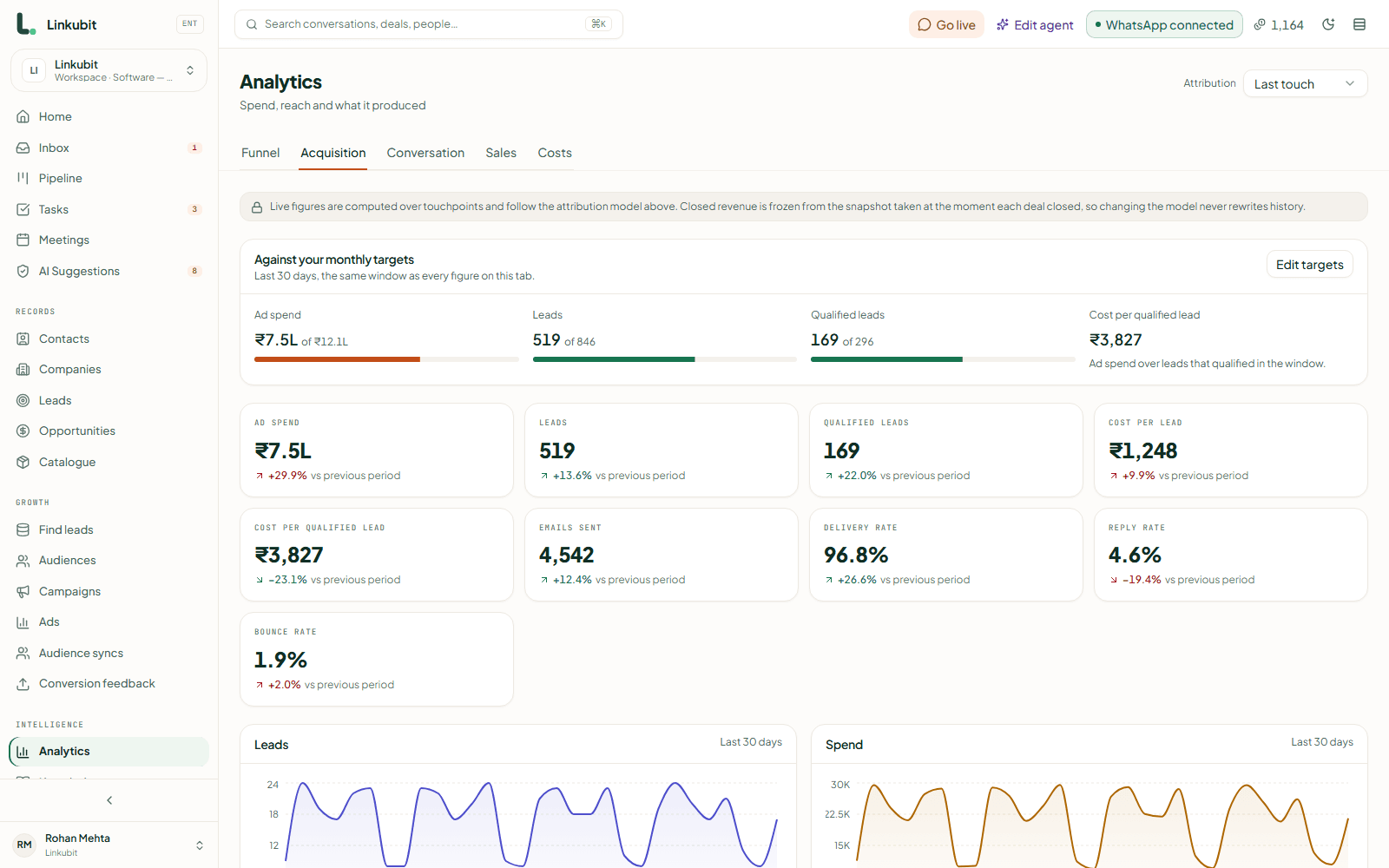
A Click-to-WhatsApp campaign is built from the Ads screen — paused, so nothing spends until you switch it on — and a message from a number you have never seen still joins the person who clicked, because the referral token is read on the way in. The assistant answers in the first minute, qualifies, quotes from the catalogue and opens the deal with the campaign attached, so the report shows cost per qualified lead and cost per won deal, not cost per click.
The first minute
The ad did its job the moment the chat opened. What happens next is the sale. A reply within a minute that uses the person's name, restates what they clicked on and asks one or two real questions is a conversation; a reply an hour later is a lead who has messaged two other businesses. The speed-to-lead guide covers the message; the point here is that the ad budget is wasted without it.
What to measure
| Metric | What it tells you |
|---|---|
| Cost per conversation started | What Meta reports; the cheapest and least useful number |
| Cost per qualified lead | Conversations where the qualifying fields got filled — the first number worth optimising |
| Cost per won deal | What the campaign actually earned, attributed over the contact's timeline |
| Time to first reply | If this is over a minute, fix it before touching the ad |
Are Click-to-WhatsApp conversations free?
For 72 hours from the customer's first message, yes — every message you send, template or free-form. After that the normal rules and prices apply.
Do I need the WhatsApp Business API for Click-to-WhatsApp ads?
No; the WhatsApp Business app works. But the app cannot answer automatically, cannot be shared by a team and cannot attribute the deal, which is what the ad is for.
How do I know which ad a lead came from?
The first message carries a referral with the ad id. Linkubit reads it and ties the contact, the deal and the revenue to the campaign; on the app you see the ad's headline in the chat and nothing after.
Read next
More on Getting and keeping leadsLinkubit vs other toolsWhatsApp templatesCost calculatorPricing
Try it on your own number. Linkubit answers, qualifies and quotes on WhatsApp from your catalogue, and adds nothing to Meta’s per-message price. Start free — fourteen days of Pro, no card — or read the pricing.