Set your AI agent's rules, goals and handover
Use AI settings to decide what each conversation should achieve, the rules the agent cannot break, and when it hands the customer to a person.
In Settings › AI settings, Conversation goals say what to find out (by default: what they need, timeline, budget); Agent rules hold it back (block an action until a field is captured, send a topic to a person); Human escalation decides when a person takes over. Rules are enforced in code, outside the AI.
Where
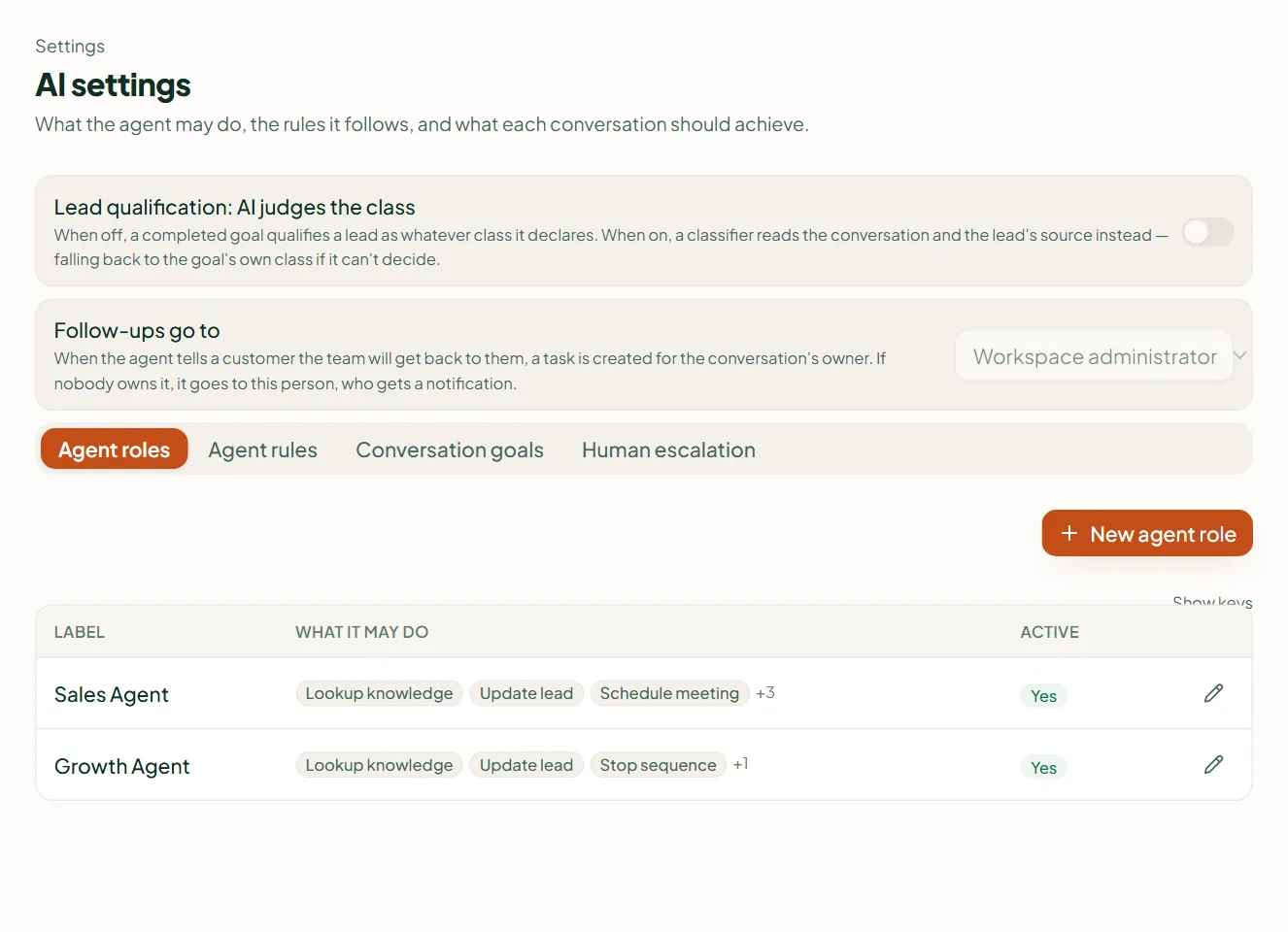
Settings › AI settings — "What the agent may do, the rules it follows, and what each conversation should achieve." Four tabs: Agent roles, Agent rules, Conversation goals, Human escalation.
Conversation goals
A goal is the list of things the agent finds out before a lead counts as qualified. If setup wrote no goal, the workspace starts with Qualify the enquiry: what they need, timeline and budget. Add the questions your sales team always asks — location, quantity, date of the event.
Agent rules
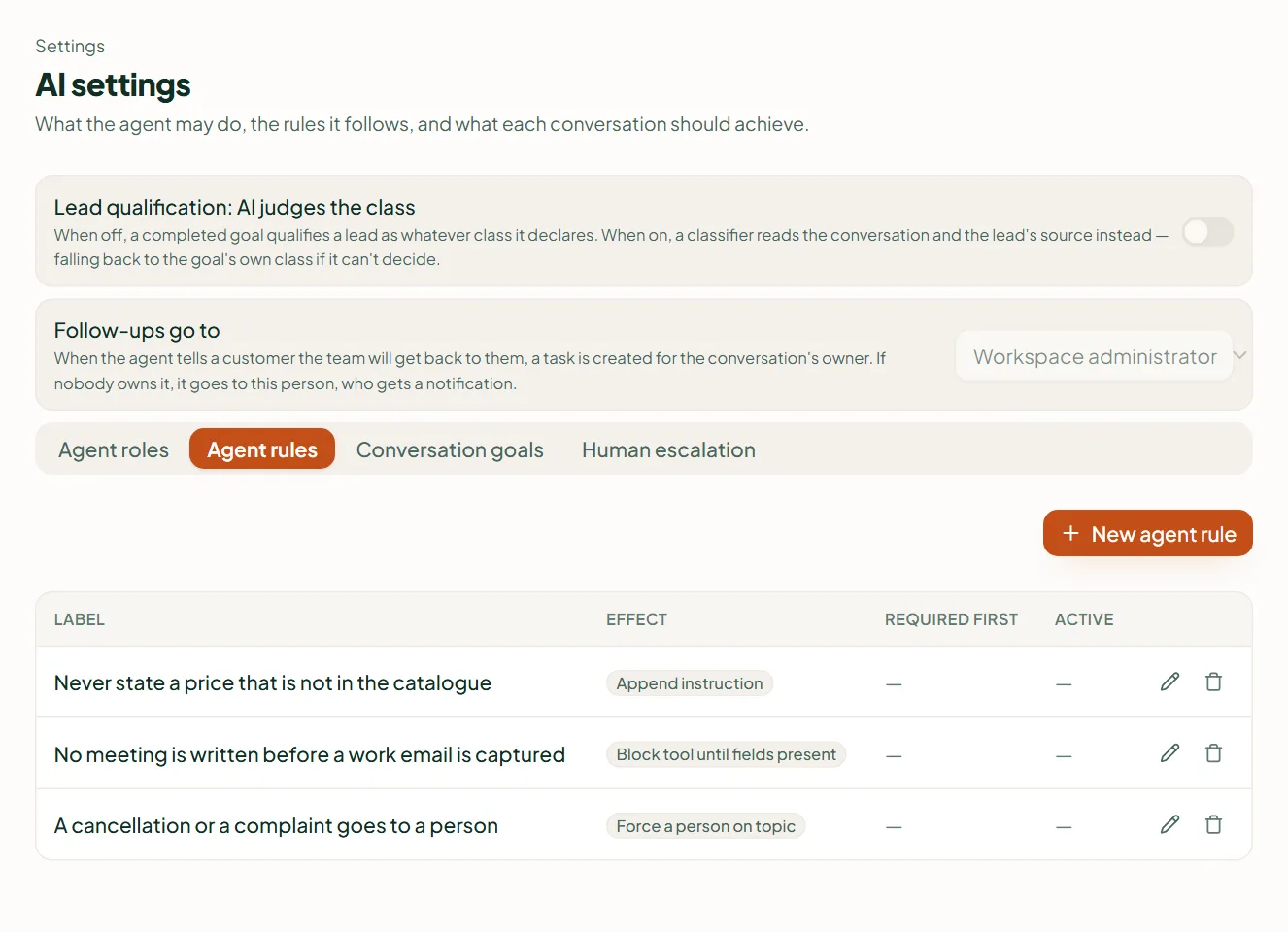
On the Agent rules tab, New agent rule adds a rule, and each has one of four effects:
- Block tool until fields present — the agent may not use a capability until details are captured: "No meeting is written before a work email is captured".
- Require human before tool — the conversation is handed to a person before the agent may do it.
- Force a person on topic — a topic always goes to a human: "A cancellation or a complaint goes to a person".
- Append instruction — a standing instruction the agent always follows: "Never state a price that is not in the catalogue".
These are checked by Linkubit before anything is sent, not left to the AI's judgement — see Rules an AI agent cannot break.
Human escalation
The agent always hands over when a customer sounds frustrated or upset — that check needs no rule and cannot be turned off. Add your own triggers on this tab. A person can also take over any conversation from the inbox: see Take over a conversation from the agent.
Lead qualification
With Lead qualification: AI judges the class on, the agent grades each lead high, medium or low from the conversation. Follow-ups go to sets who gets the follow-up tasks (default: the workspace administrator).
Related
Stuck? Write to help@linkubit.com with the screen you are on and what it says. Not using Linkubit yet? Start free — fourteen days of Pro, no card.