Find leads with Apollo: search, enrich and add them with consent
Connect your own Apollo account, search its database, and enrich the people you choose into contacts and audiences — spending Apollo's credits, not Linkubit's.
Connect Apollo under Settings › Integrations by signing in to your own Apollo workspace. On Find leads, describe who you want, tick the people and press Enrich and add; they become contacts, de-duplicated, with the consent basis you choose. A search costs nothing and stores nothing; enriching spends your Apollo credits and no Linkubit credits. Pro and Scale.
Connect Apollo
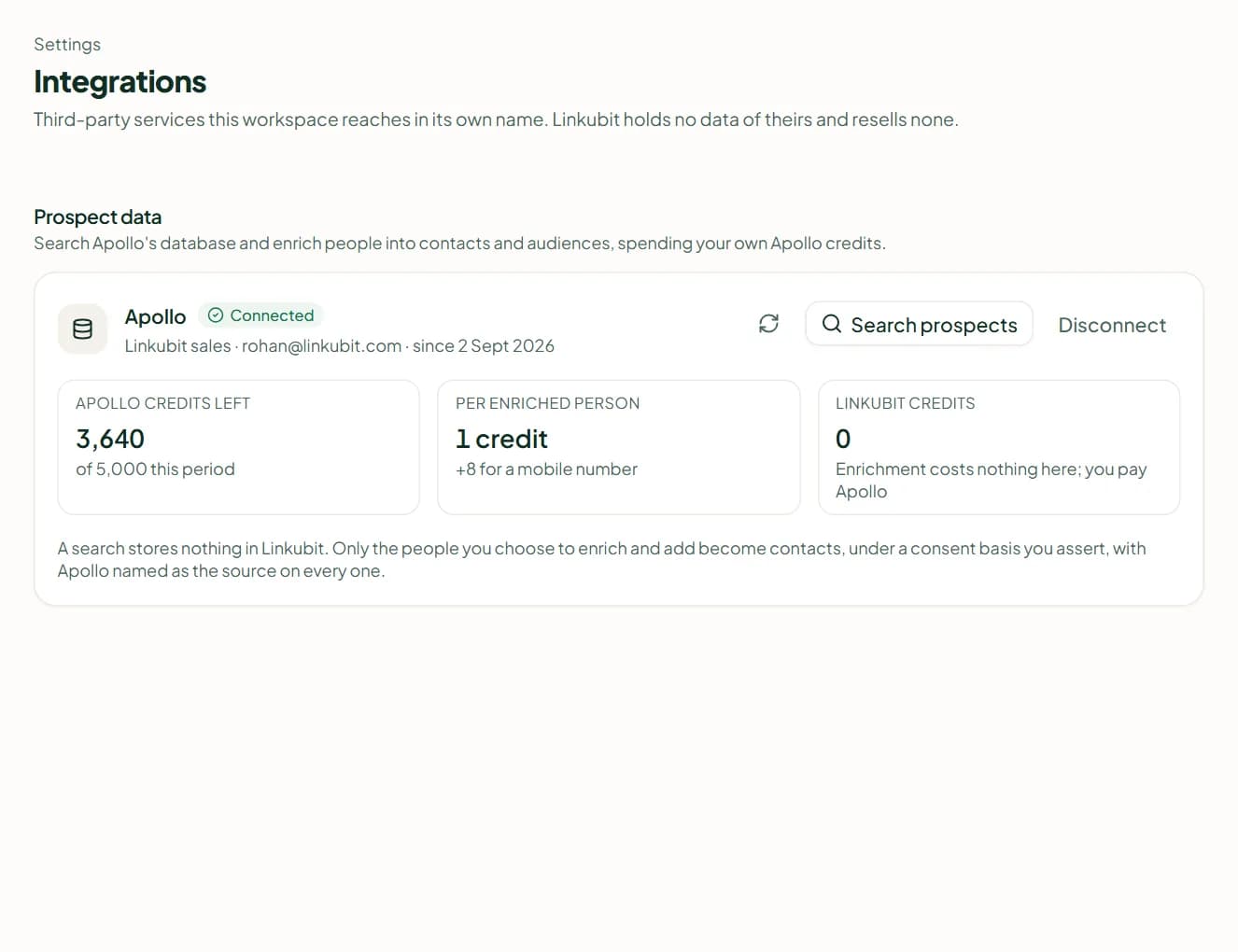
Open Settings › Integrations and press Connect Apollo. Sign in to your Apollo workspace and approve — you need an Apollo admin, or someone allowed to authorise integrations. There is no API key to paste, and Linkubit never uses a key of its own to serve you. The card shows your team, your email and your Apollo credits left.
Search
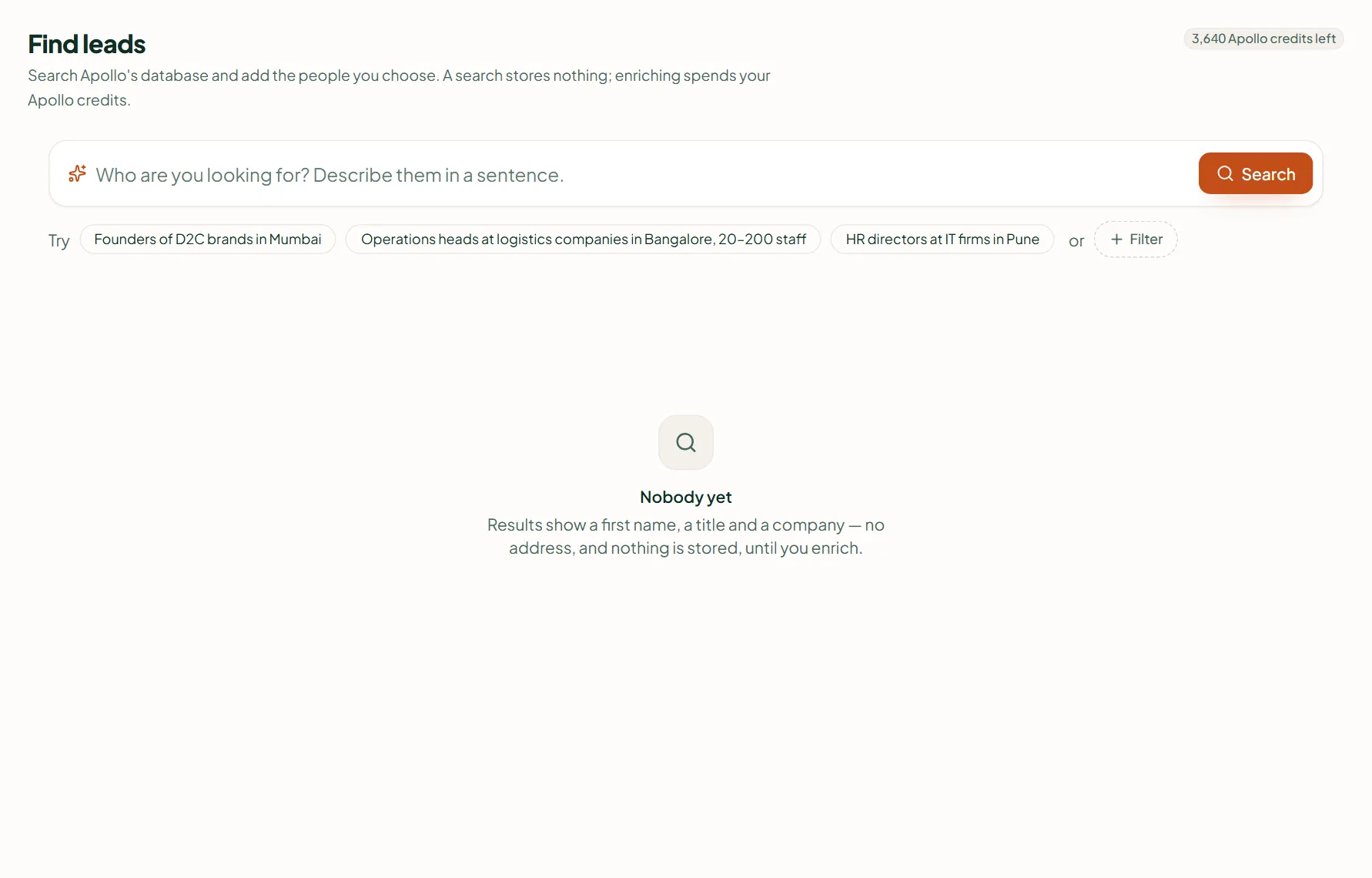
Open Find leads. Describe who you are looking for in a sentence, or add filters: Job title, Seniority, Company in, Person in, Company size, Industry, Company domain, Email. Results show name, title and company, and whether an email or phone exists — never the address itself, and nothing is stored until you enrich.
Enrich and add
- Tick the people and press Enrich and add.
- In Add them to, choose contacts only, a new audience or an existing one.
- Pick the consent basis — Legitimate interest, Existing customers or They opted in. It is recorded against every contact; someone who already opted out stays opted out.
- Optional: Also reveal mobile numbers — more Apollo credits each, delivered a few minutes later. This is what makes someone reachable on WhatsApp.
- Read the estimate ("Up to N Apollo credits"; people Apollo can't match cost nothing) and press Enrich and add. A job runs for up to 1,000 people; start another for the rest.
Consent still decides who you can message
Adding a person from Apollo makes them a contact, not a customer who asked to hear from you. Cold outreach on WhatsApp still needs an approved template and a basis you can evidence — see WhatsApp opt-in and consent rules.
Related
Stuck? Write to help@linkubit.com with the screen you are on and what it says. Not using Linkubit yet? Start free — fourteen days of Pro, no card.