Contacts, companies, leads and deals: what each screen is for
How the Contacts, Companies, Leads and Opportunities screens fit together, what you can do on each, and how the Free plan's contact cap works.
Contacts are the people you sell to; Companies group them; Leads are the contacts who have told you what your qualification asks for; Opportunities are deals with a value. Contacts arrive from conversations, imports and ad forms. On Free, 150 contacts are answered by the agent; later ones are kept but blurred and not answered until you upgrade.
| Screen | What it holds | What you can do |
|---|---|---|
| Contacts | People you sell to (staff are in Settings › Users) | New contact, Import, Enrich from Apollo; filter by stage or Hot leads; open one for its Timeline, Qualification and Merge history |
| Companies | The businesses your contacts belong to | Import; contacts link to a company by name |
| Leads | Everyone who has told you something your qualification asks for | Judge a lead's class in the table — High, Medium, Low, Disqualified — filter by class, source or stage |
| Opportunities | Deals, their forecast category and owner | See Open pipeline, Open deals and Closed won; move deals through stages |
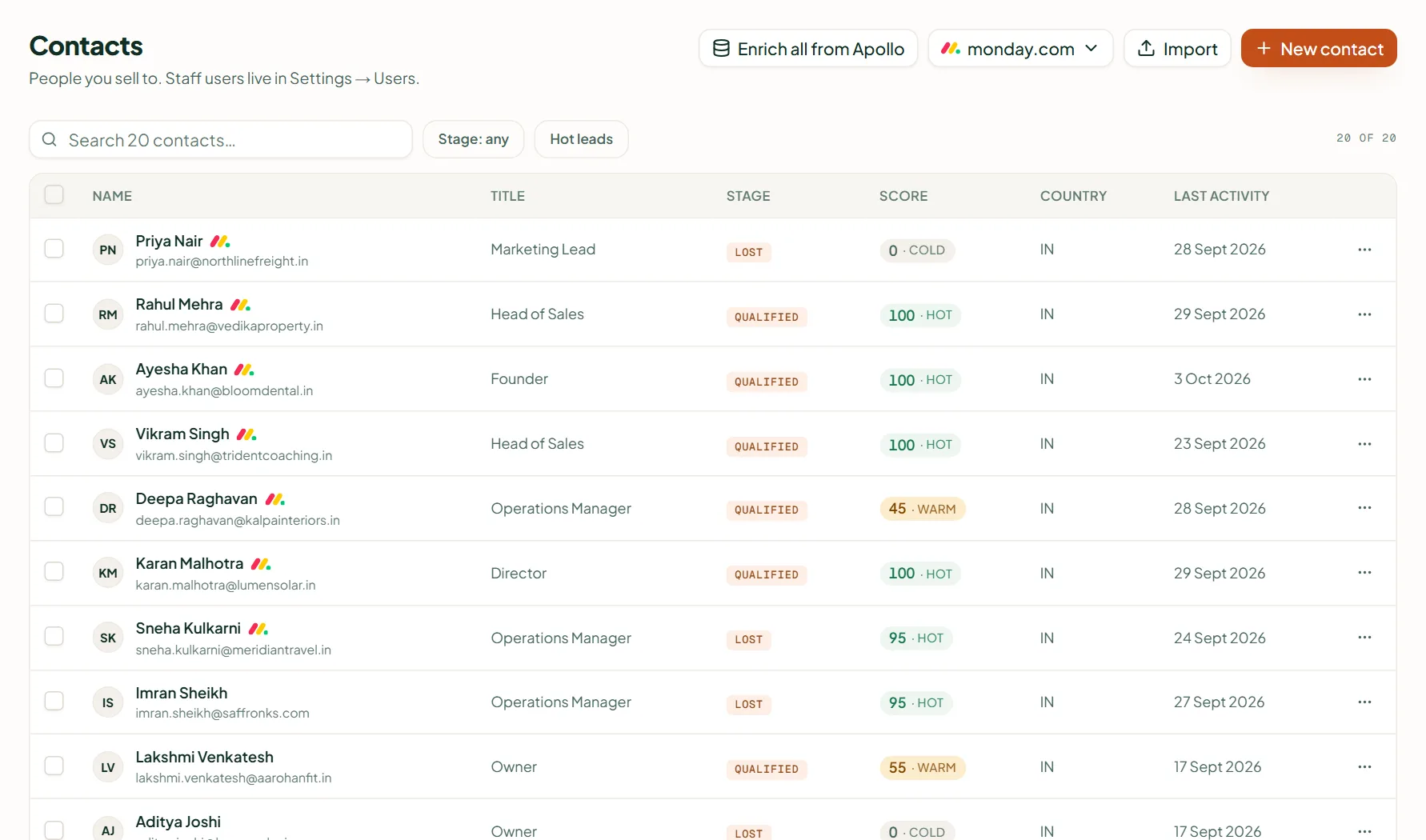
Add a contact by hand
On Contacts, press New contact and fill Name, Title, Email, WhatsApp number, Company, Owner and Why may you contact them? — then Create contact. For many at once, use Import.
Leads
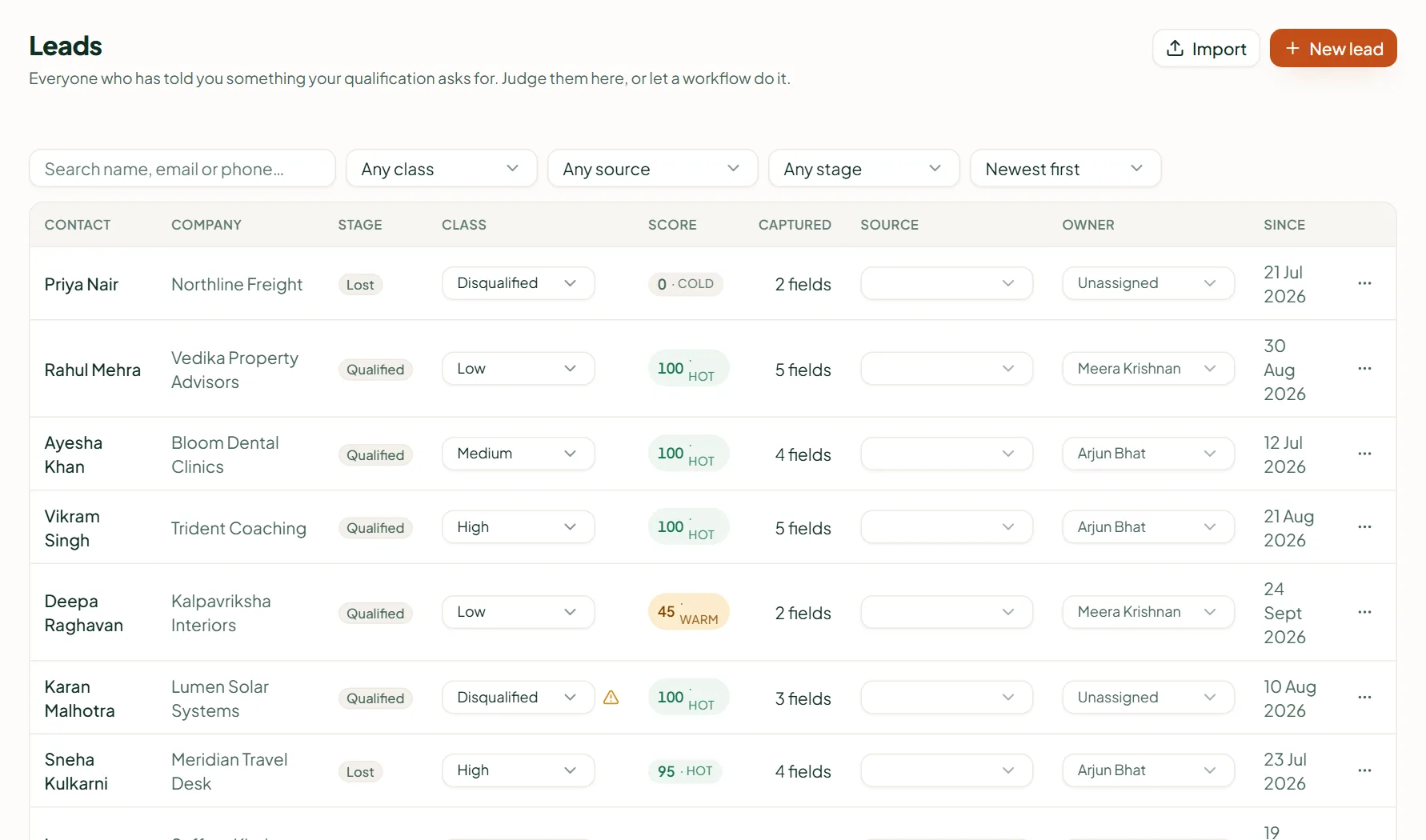
A lead's Source is where it came from: a conversation, a website form, a Meta or Google lead form, a workflow, the dashboard or an import. The Class is edited right in the table ("Marked High"); a warning appears if you mark someone Disqualified who sits on a Qualified or Won stage.
Opportunities and stages
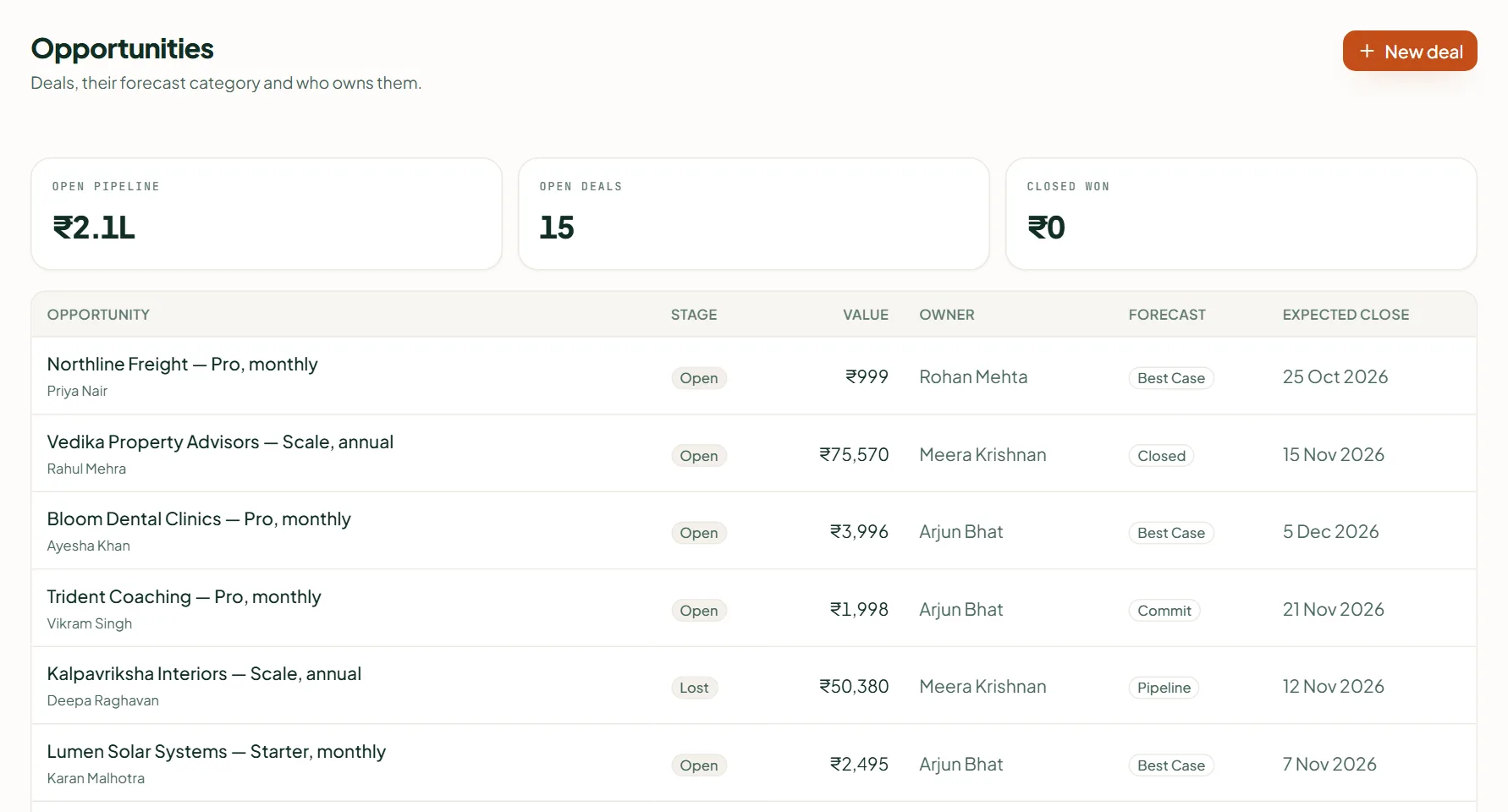
Stages start as Lead, Qualified, Won and Lost, and you can change them under Settings › Pipeline stages — see Pipeline stages, scoring and workflows. A deal's value comes from your catalogue prices, not from what a customer said in chat.
Duplicates
If you add an email or number that another contact already has, the editor says so and offers Open to go to that record, so you don't create a second one. A contact's Merge history tab appears once records have been merged, and every merge can be undone.
The Free plan's contact cap
- Free holds 150 contacts. Adding more by hand or import is refused with an upgrade card.
- People who message you still arrive and their messages are kept — but contacts beyond the cap are blurred in the dashboard and not answered by the agent, so no credits are spent on them.
- The oldest contacts stay in; deleting a contact frees a place; upgrading lifts the cap at once. Paid plans have no cap.
Related
Stuck? Write to help@linkubit.com with the screen you are on and what it says. Not using Linkubit yet? Start free — fourteen days of Pro, no card.