Workspace settings: name, timezone, language, currency and retention
What Settings › General controls — the workspace's name and picture, its timezone and default language — and what can't be changed, including the currency.
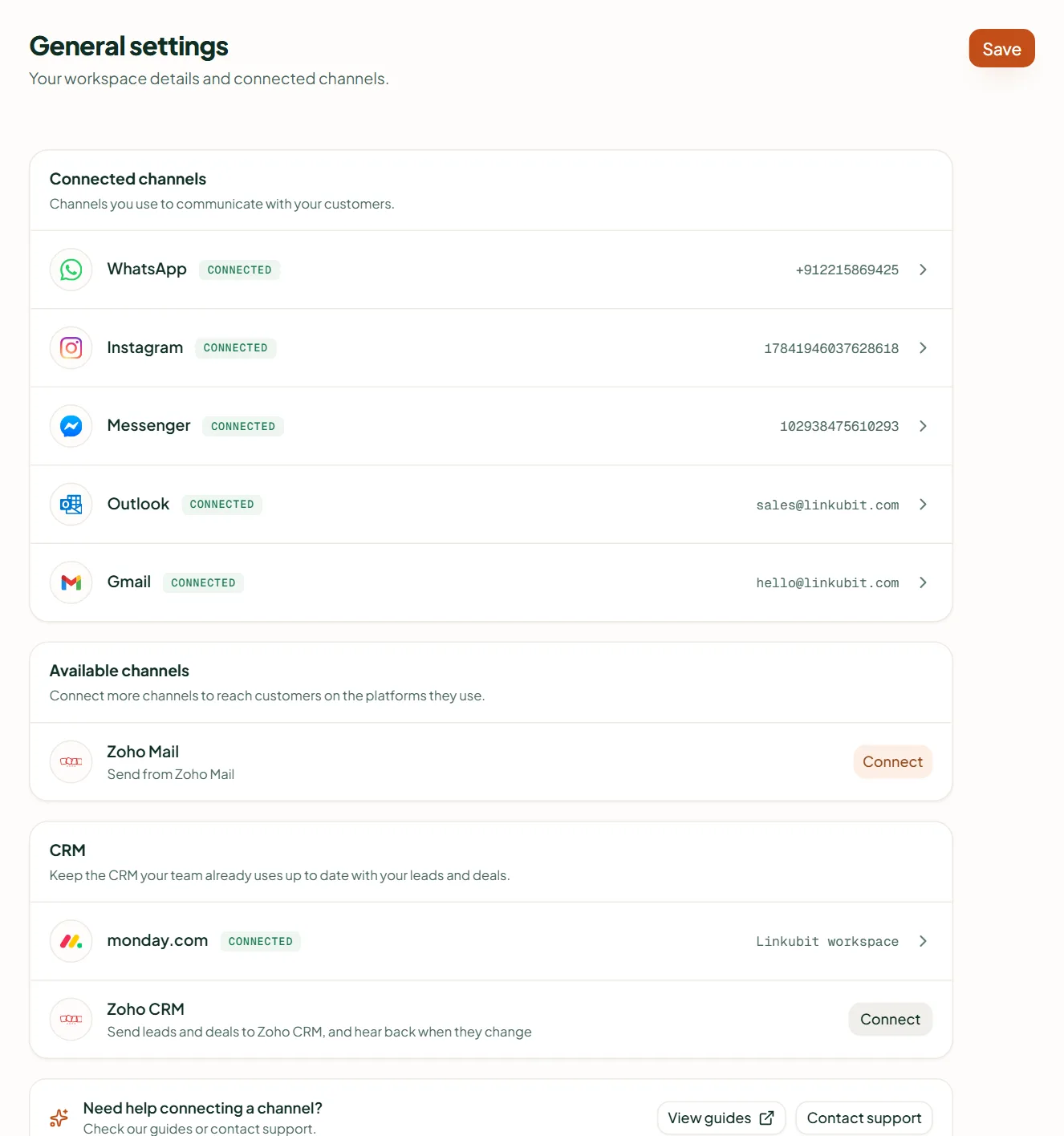
Settings › General shows your connected channels first, then the workspace's details. Name, picture, display timezone and default language save as you change them. The slug is permanent, and so is the currency you chose at sign-up. Retention can erase contacts who have been quiet for 12, 24 or 36 months, daily — or keep history indefinitely.
| Setting | What it does |
|---|---|
| Picture | The organisation logo, shown in the organisation switcher |
| Name | Shown in the switcher and on every invitation |
| Slug | The workspace's permanent identifier, never shown to customers, and read-only |
| Display timezone | Every timestamp in the product renders in this zone, not the viewer's; storage is always UTC (Asia/Kolkata, Asia/Dubai, Europe/London, America/New_York) |
| Default locale | English or Hindi |
| Currency | ₹ Indian rupee or $ US dollar — set when the workspace was made and cannot be changed |
Retention
Retain history for — Indefinitely, or 12, 24 or 36 months. With a period set, contacts who have been quiet that long are erased daily ("History older than N months is erased daily"). Choose it with the same care as an erasure request: it is not reversible.
Elsewhere
- Your business's WhatsApp, email and other channels: Connect your channels.
- People and what they can see: Invite your team.
- Your plan, credits and invoices: Plans, credits and billing.
Related
Stuck? Write to help@linkubit.com with the screen you are on and what it says. Not using Linkubit yet? Start free — fourteen days of Pro, no card.