Add reply buttons, link buttons and menus the agent can attach to a reply
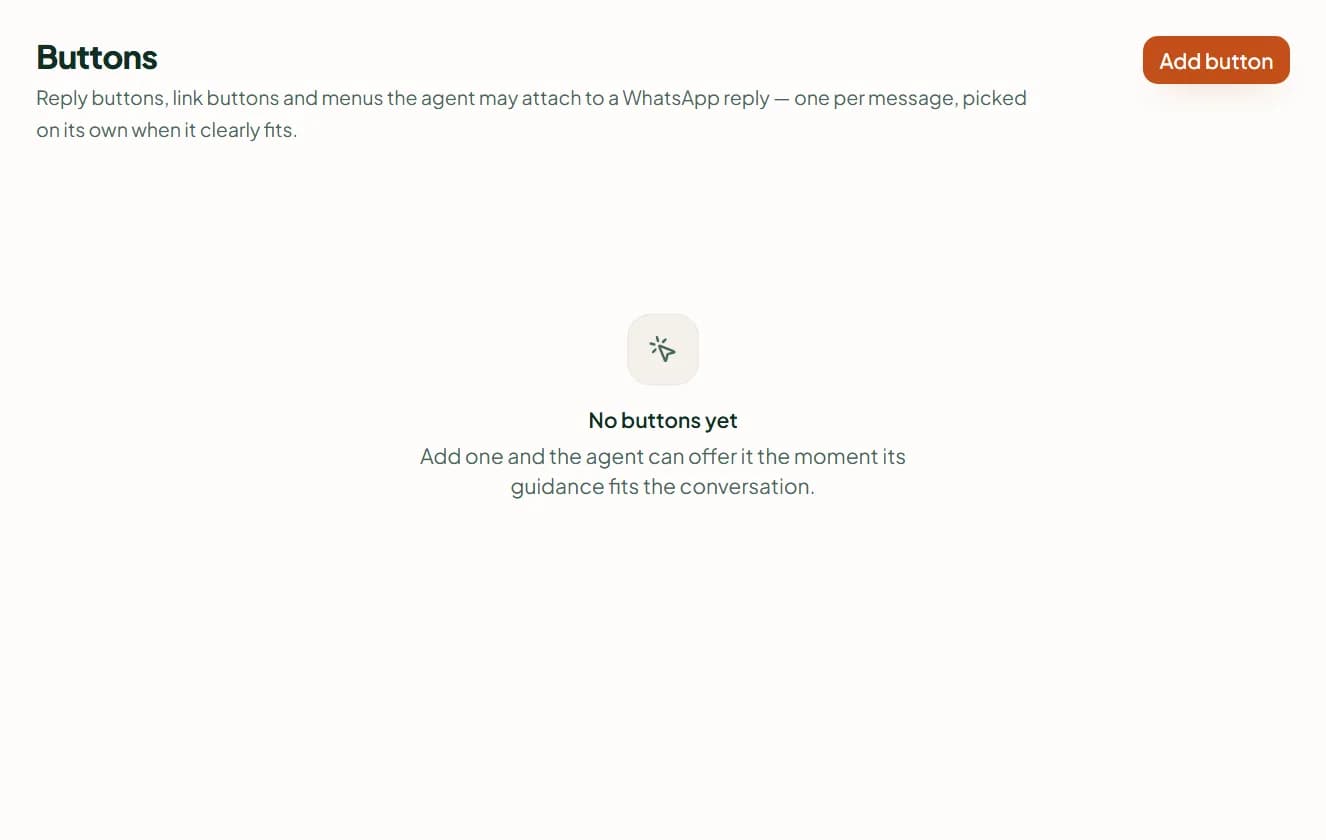
Create reply buttons, link buttons and menus in Settings › Buttons, and write when the agent should offer each one in a WhatsApp reply.
In short
Settings › Buttons holds the buttons the agent may attach to a WhatsApp reply when your "When to use it" guidance fits what the customer needs next. A reply button (up to three on a reply, 20 characters each) comes back as an ordinary message when tapped; a link button opens a page; a menu lists up to ten options.
Add a button
- Open Settings › Buttons and press Add button.
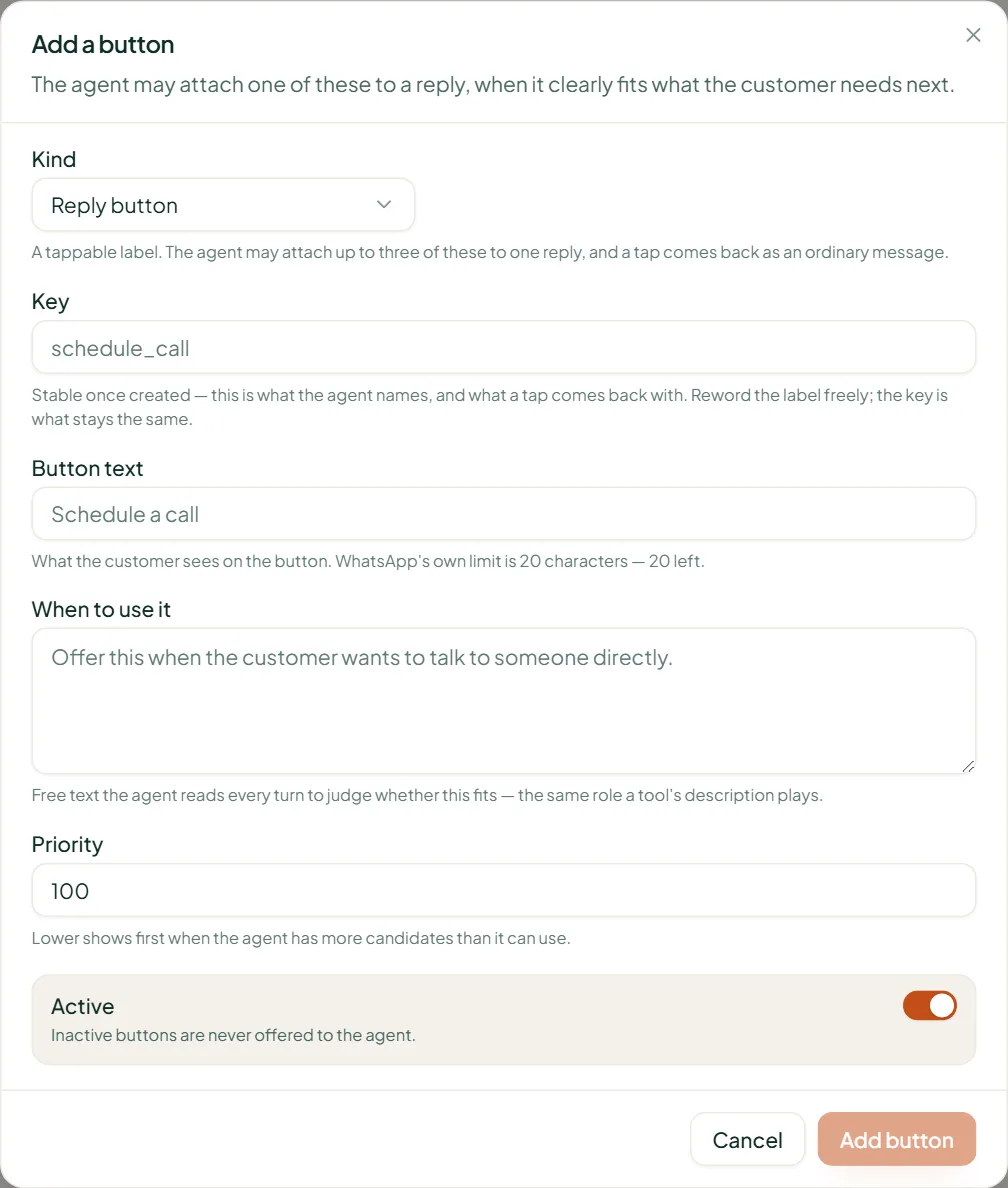
- Choose the Kind: Reply button, Link button or Menu. The kind and the Key (a stable name such as schedule_call that workflows and the agent refer to) cannot change once saved.
- Write the Button text — up to 20 characters, with a counter. For a link button add the Link; for a menu add Options (up to ten: a title of 24 characters and an optional description of 72).
- In When to use it, say in plain words when the agent should offer it: "When the customer asks to talk to someone." The agent reads this every turn.
- Set Priority (lower shows first) and leave Active on, then press Add button.
How they behave
- The agent attaches one kind to a reply, and only when it clearly fits.
- Reply buttons: up to three together on one reply. A tap comes back as a normal message the agent answers.
- Link buttons and menus go on a reply on their own — WhatsApp doesn't show them beside reply buttons.
- Link buttons and menus are WhatsApp only; Instagram and Messenger take reply buttons. A deactivated button stays in the list and is never offered.
Related
Stuck? Write to help@linkubit.com with the screen you are on and what it says. Not using Linkubit yet? Start free — fourteen days of Pro, no card.